[ECO Bounty] iopay Missing "Secured Copy" Feature for Sensitive Data
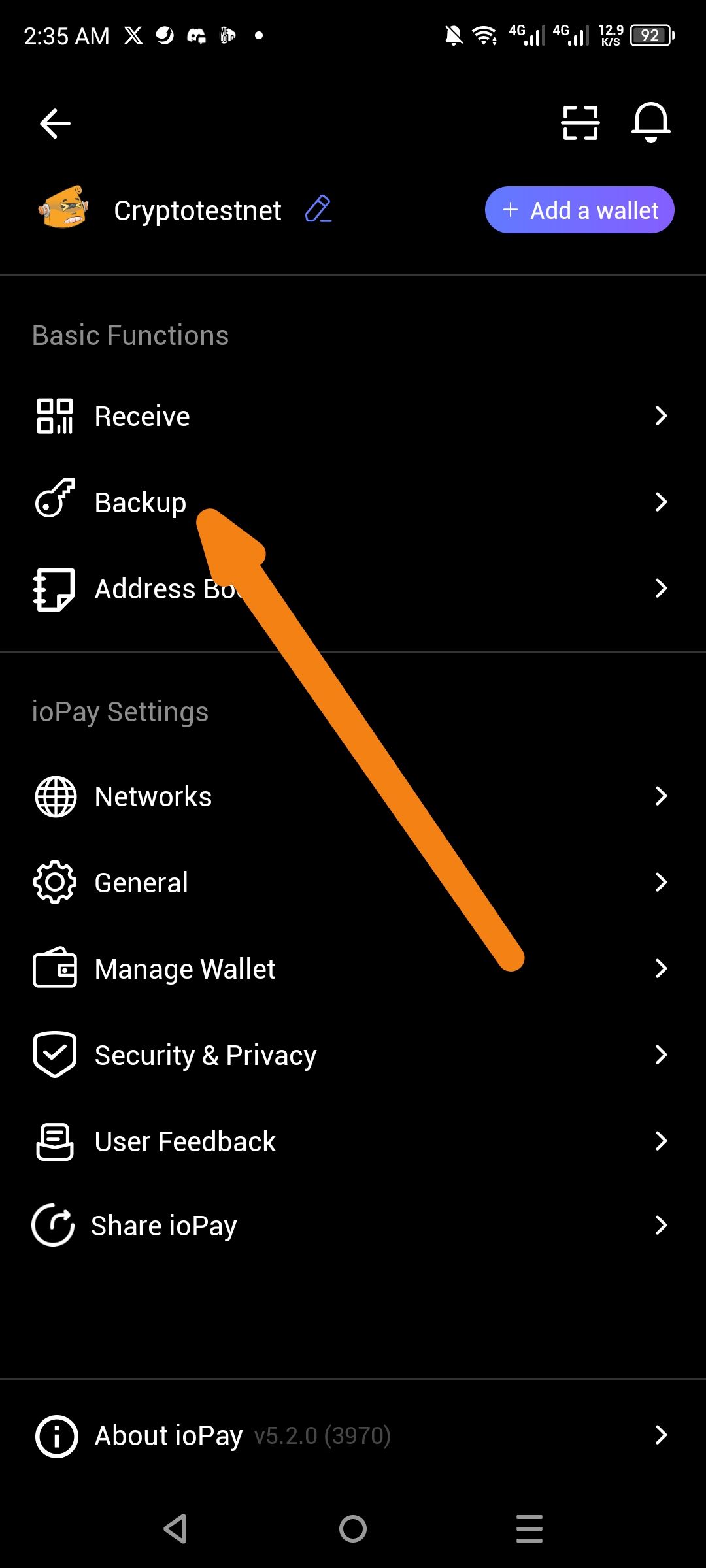
Description
The application currently lacks a "Secured Copy" mechanism for handling Private Keys and Recovery Phrases. When a user copies this sensitive information to perform a backup, the data remains in the clipboard indefinitely ("unlimited paste"). There is no option to enable a "one-time paste" or "auto-delete" function that would automatically clear the phrase or key from the system memory after its initial use.
Steps to Reproduce
Open ioPay and go to Manage Wallet.
Select a wallet (e.g., Cryptotestnet) and enter the Backup menu.
Copy the Private Key or Recovery Phrase.
Paste the data into a secure location.
Observe that the data is still available for "unlimited paste" in other apps or text fields.
Expected Behavior
The backup workflow should include a Secured Copy option. Once the user pastes the Private Key or Recovery Phrase for the first time, the application should trigger an automatic deletion of that data from the clipboard to prevent unauthorized access or accidental exposure.
Actual Behavior
There is no Secured Copy option. Sensitive credentials stay active in the clipboard history, allowing for multiple pastes across different applications without any automatic clearing.
Requested Feature Enhancement
Primary Requirement: Implement a "Secured Copy" toggle or default behavior.
Secondary Requirement: System should execute an
automatic deletecommand on the clipboard string immediately after the first successful paste action.
Wallet Address: io1tkw393kejmxwnd454twc6020sxcyvh5dxqmren
Device & Environment:
-Operating system: Android 13
-Device model: Redmi Note 10 Pro
Log in to comment and vote
No comments yet
Be the first to share your thoughts.