[ECO Bounty] DePINscan Missing "Sign in with Apple" Authentication Option
Wallet Address Reporter: io1tkw393kejmxwnd454twc6020sxcyvh5dxqmren
App Version: ioPay v5.3.1 (3973)
Device: Redmi Note 10 Pro (Android 13)
Description
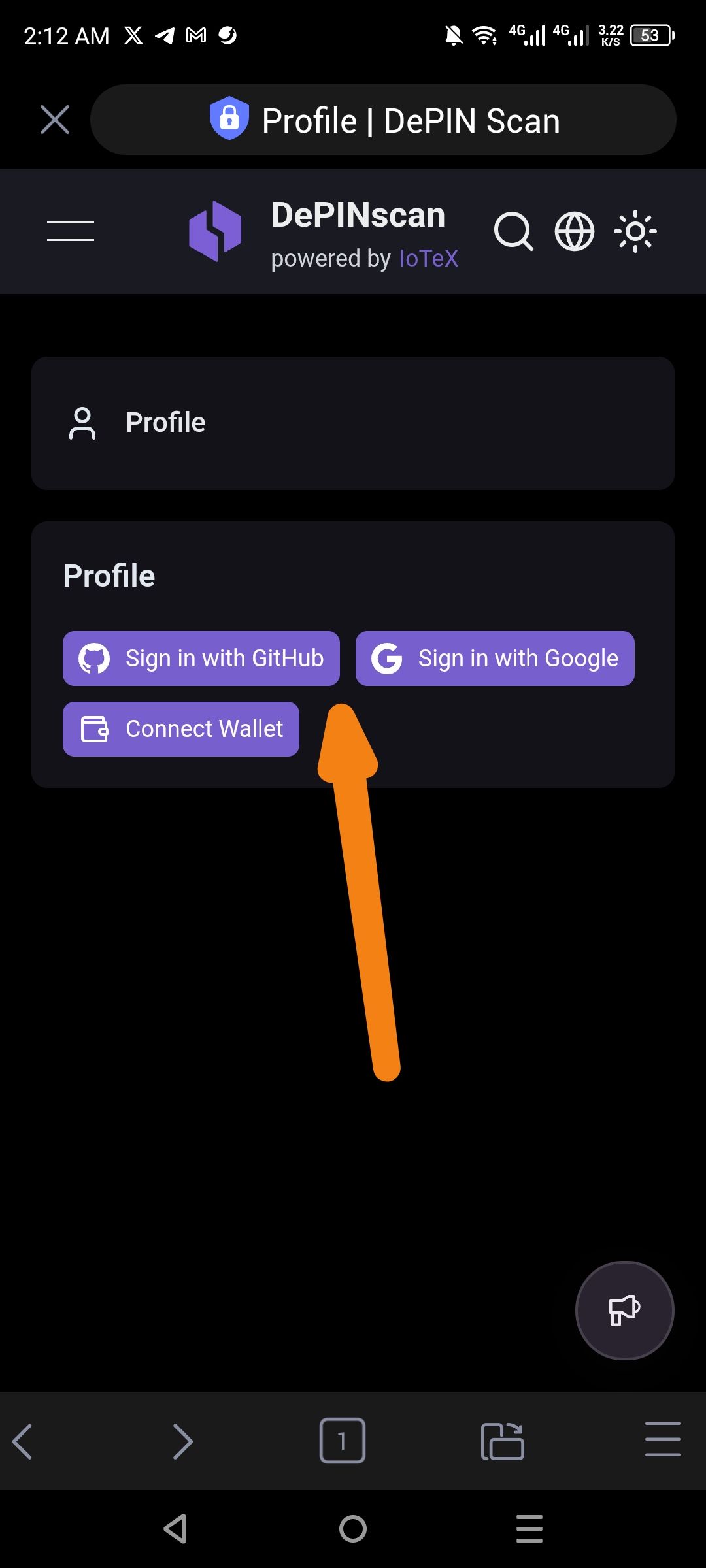
The current login and registration interface in ioPay does not offer "Sign in with Apple" as an authentication method. While the app provides "Continue with Google" and traditional email/password fields, the absence of Apple ID integration creates a friction point for iOS users and Android users who prefer Apple's privacy-focused sign-in service.
Steps to Reproduce
Open the ioPay app on a mobile device.
Navigate to the https://depinscan.io/developer/settings/profile Login.
Observe the available "Continue with" social login buttons.
Actual Result
Only the Google social login option is displayed alongside standard email fields.
Expected Result
A "Continue with Apple" button should be available to provide a consistent and cross-platform authentication experience, especially to satisfy App Store guidelines for apps offering social login.
Log in to comment and vote
No comments yet
Be the first to share your thoughts.