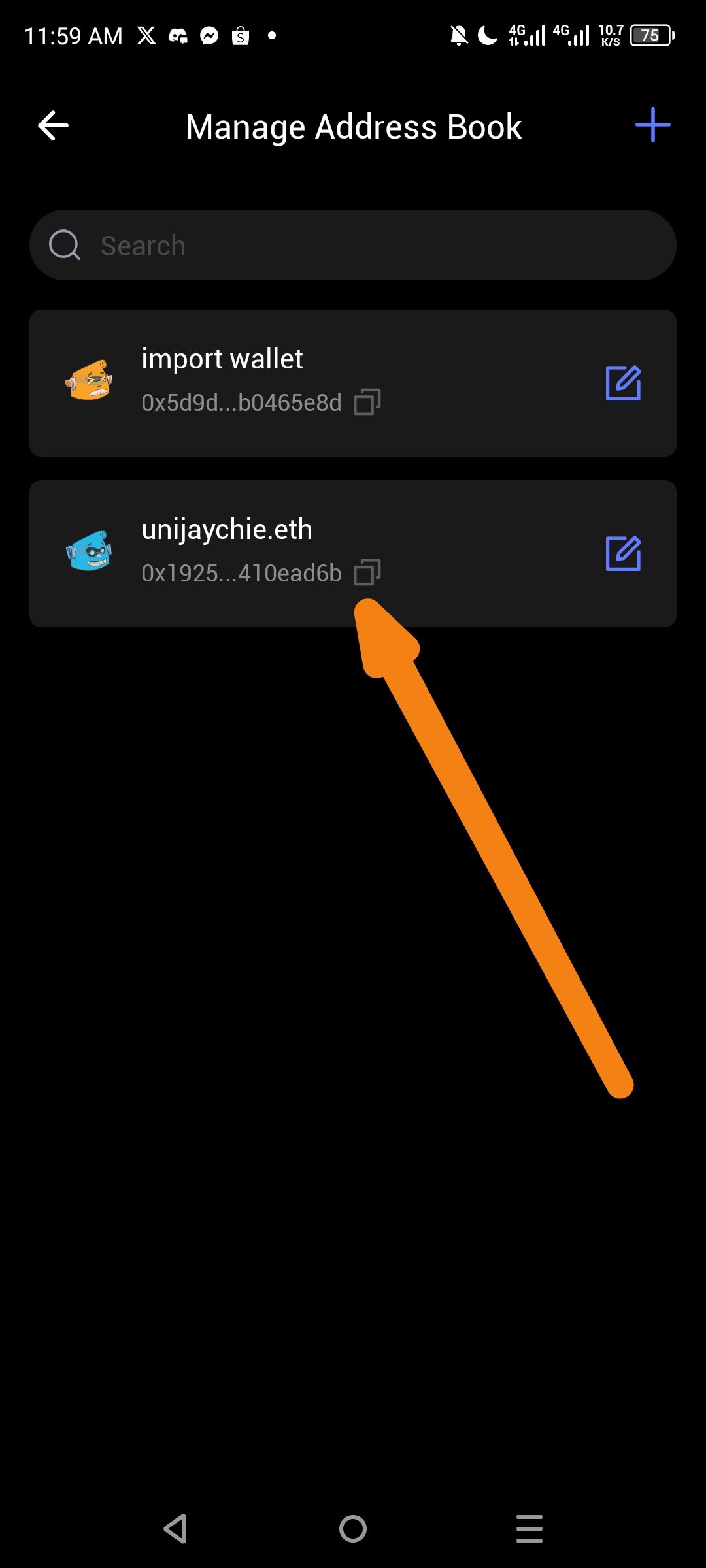
Description
In the "Manage Address Book" section of ioPay, each wallet entry has a copy icon (📋) next to the truncated wallet address. When users tap this icon to copy the address to clipboard, the feedback mechanism is minimal — only a static "Copied" text appears briefly. There is no:
Toast notification
Snackbar pop-up
Icon animation (e.g., checkmark transition)
Color highlight
Haptic/vibration feedback
This weak feedback can cause users to be unsure whether the full address was successfully copied, potentially leading to incorrect transactions.
Steps to Reproduce
Open ioPay app.
Navigate to Settings → Address Book → Manage Address Book.
Locate any wallet entry (e.g.,
unijaychie.eth→0x1925...410ead6b).Tap the copy icon (📋) next to the truncated address.
Observe the feedback provided.
Expected Behavior
Upon tapping the copy icon, the app should provide rich and clear feedback, such as:
✅ A Toast/Snackbar message: "Address copied to clipboard!"
✅ The copy icon transitions to a checkmark (✓) briefly before reverting
✅ A green highlight or background flash on the copied entry
✅ A short haptic vibration to confirm the action
✅ Partial address displayed in the notification (e.g., "Copied: 0x1925...410ead6b")
Actual Behavior
Only a plain, minimal "Copied" text appears momentarily
No animation, color change, or haptic response
No confirmation of which address was copied
User is left uncertain whether the action was successful
Wallet Address:
io1tkw393kejmxwnd454twc6020sxcyvh5dxqmren
Device & Environment:
-Operating system: Android 13
-Device model: Redmi Note 10 Pro
