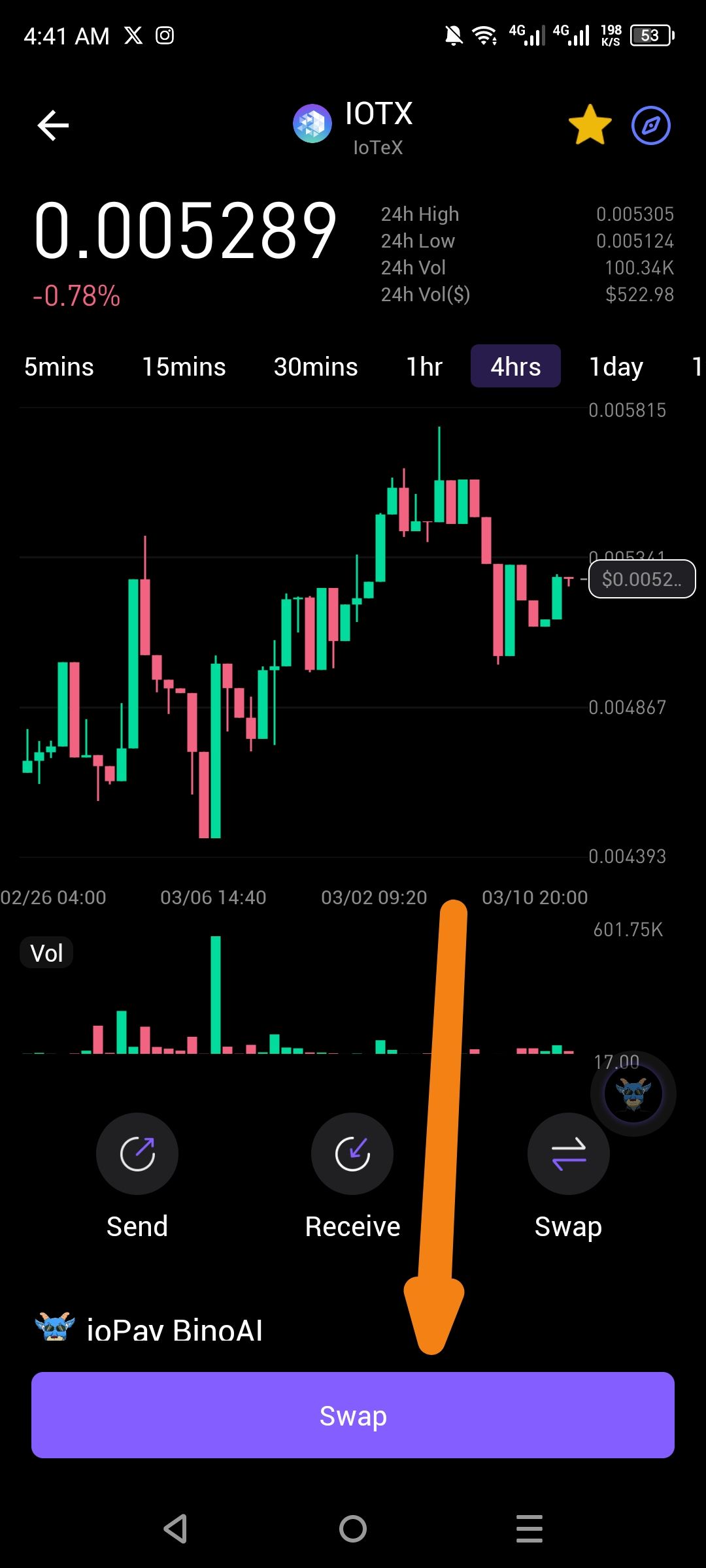
Description
The current token trade interface in ioPay only displays a single "Swap" button. Standard decentralized exchange (DEX) features—such as Limit Orders, Market Orders, and Advanced Trading Settings—are completely missing from the UI. This prevents users from executing sophisticated trading strategies directly within the app's native asset view.
Steps to Reproduce
Open the ioPay app and navigate to a token's price chart (e.g., IOTX).
Look at the primary action buttons below the chart.
Observe that only Send, Receive, and Swap are available.
Note the absence of any toggle or menu for "Limit" or "Advanced" order types.
Actual Result
Users are restricted to basic token swapping, with no option to set limit prices or access advanced market data during the trade process.
Expected Result
The trade interface should provide a selection menu or tabs for different order types, including:
Limit Order: To buy or sell at a specific price.
Market Order: To execute immediately at the best available price.
Advanced Settings: To configure slippage tolerance, transaction deadlines, and gas fee customization.
Wallet Address:
io1tkw393kejmxwnd454twc6020sxcyvh5dxqmren
Device & Environment:
-Operating system: Android 13
-Device model: Redmi Note 10 Pro
