Wallet Address Reporter: io1tkw393kejmxwnd454twc6020sxcyvh5dxqmren
App Version: ioPay v5.3.1 (3973)
Device: Redmi Note 10 Pro (Android 13)
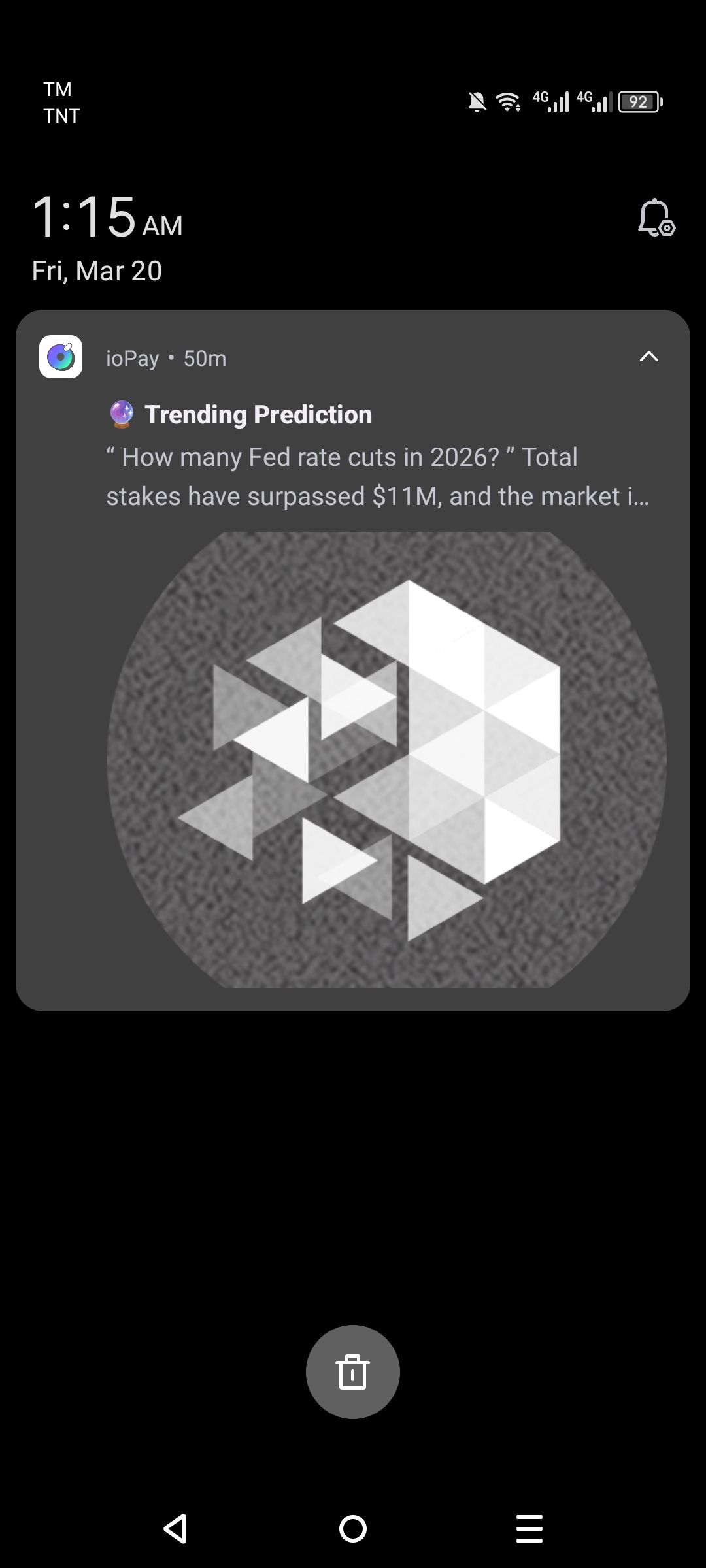
Description
Push notifications received from the ioPay app, such as "Trending Predictions" or market surges, are appearing silently in the system tray without triggering an audible alert or physical vibration. This failure in the notification delivery pipeline prevents users from being alerted to time-sensitive market events unless they are actively looking at their device screen.
Steps to Reproduce
Ensure the device is not in "Silent" or "Do Not Disturb" mode.
Enable all notification permissions for ioPay in the Android 13 system settings.
Wait for a high-priority notification (e.g., "Trending Prediction: Fed rate cuts in 2026").
Observe the notification appearing on the lock screen or status bar.
Actual Result
The notification is displayed visually on the screen, but the device fails to play the assigned notification sound or trigger a vibration motor response.
Expected Result
Incoming notifications should trigger the system's default or app-specific notification sound and a vibration pattern to ensure the user is alerted to the message.
