[Eco Bounty] ioPay Missing Audio Feedback (Sound Effects)
Wallet Address Reporter: io1tkw393kejmxwnd454twc6020sxcyvh5dxqmren
App Version: ioPay v5.4.0 (3974)
Device: Redmi Note 10 Pro (Android 13)
1. Description
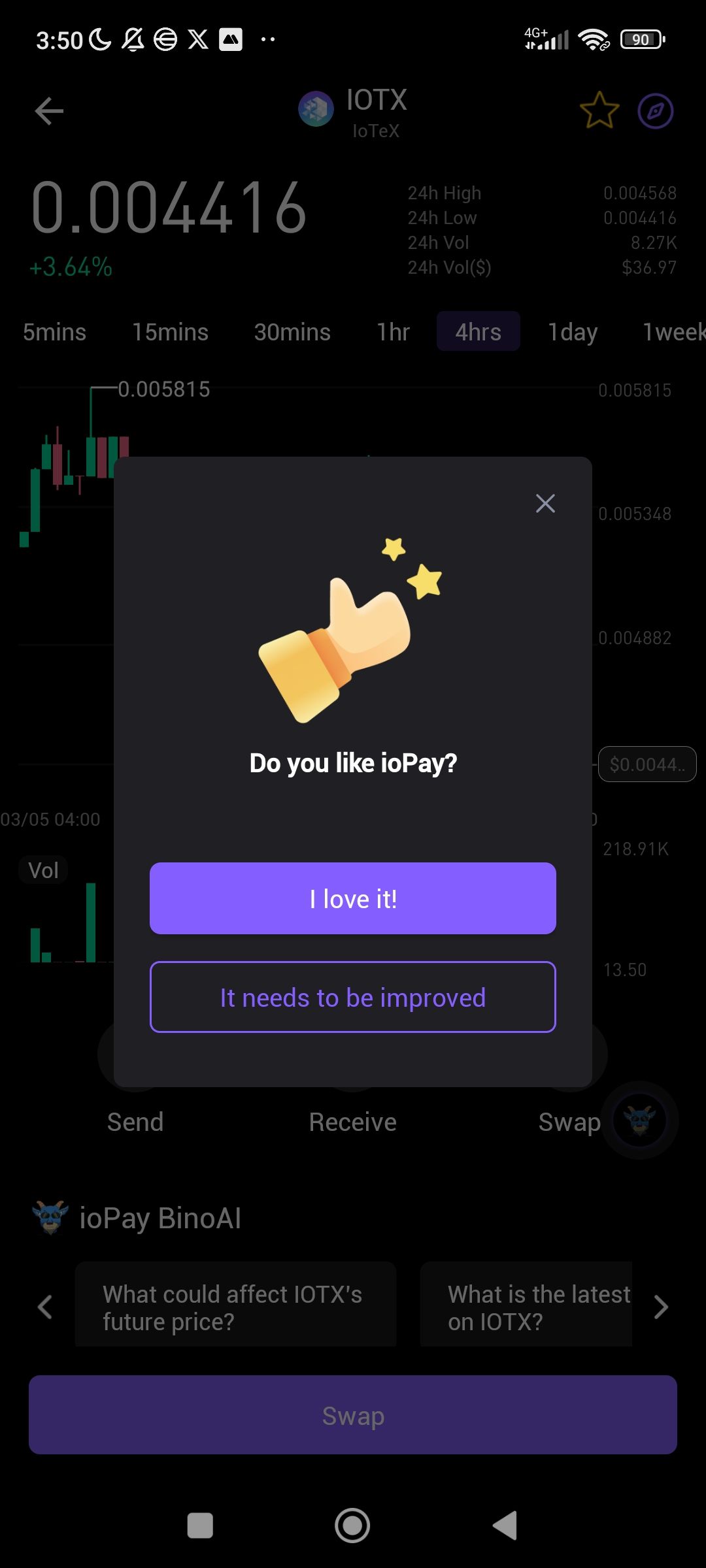
The application lacks standard audio feedback (sound effects) for critical user actions. There is no audible confirmation when a transaction is successfully sent, received, or when interacting with key UI elements like the "Swap" button or "ioPay BinoAI" prompts. This absence of sound reduces the sensory confirmation that a high-stakes blockchain action has been completed.
2. Steps to Reproduce
Open the ioPay app on a device with system sounds enabled.
Complete a transaction (e.g., Send or Swap IOTX).
Observe the "Success" screen or the pop-up modal asking "Do you like ioPay?".
Listen for any unique application sound effects upon the completion of these actions.
3. Actual Result
The app remains completely silent during successful transactions and UI transitions. The only feedback provided is visual (e.g., "Success" text or a thumb-up icon).
4. Expected Result
The app should include optional, toggleable sound effects to enhance the user experience:
Success Sound: A distinctive "chime" when a transaction is confirmed on the blockchain.
Error Sound: A subtle warning tone if a transaction fails or an invalid address is entered.
Interaction Sounds: Light "click" sounds when navigating between networks or selecting assets.
Suggested Fixes
Audio Settings Toggle: Add a "Sound Effects" toggle within the Settings > Preferences menu so users can enable or disable audio feedback.
Haptic Integration: Pair sound effects with haptic (vibration) feedback for a more premium, "tactile" trading experience.
BinoAI Voice: Consider adding optional voice responses for the ioPay BinoAI to make the assistant feel more interactive.
Log in to comment and vote
No comments yet
Be the first to share your thoughts.