[Eco Bounty] ioPay Missing Marketing Message when Sharing to Social Media
Summary
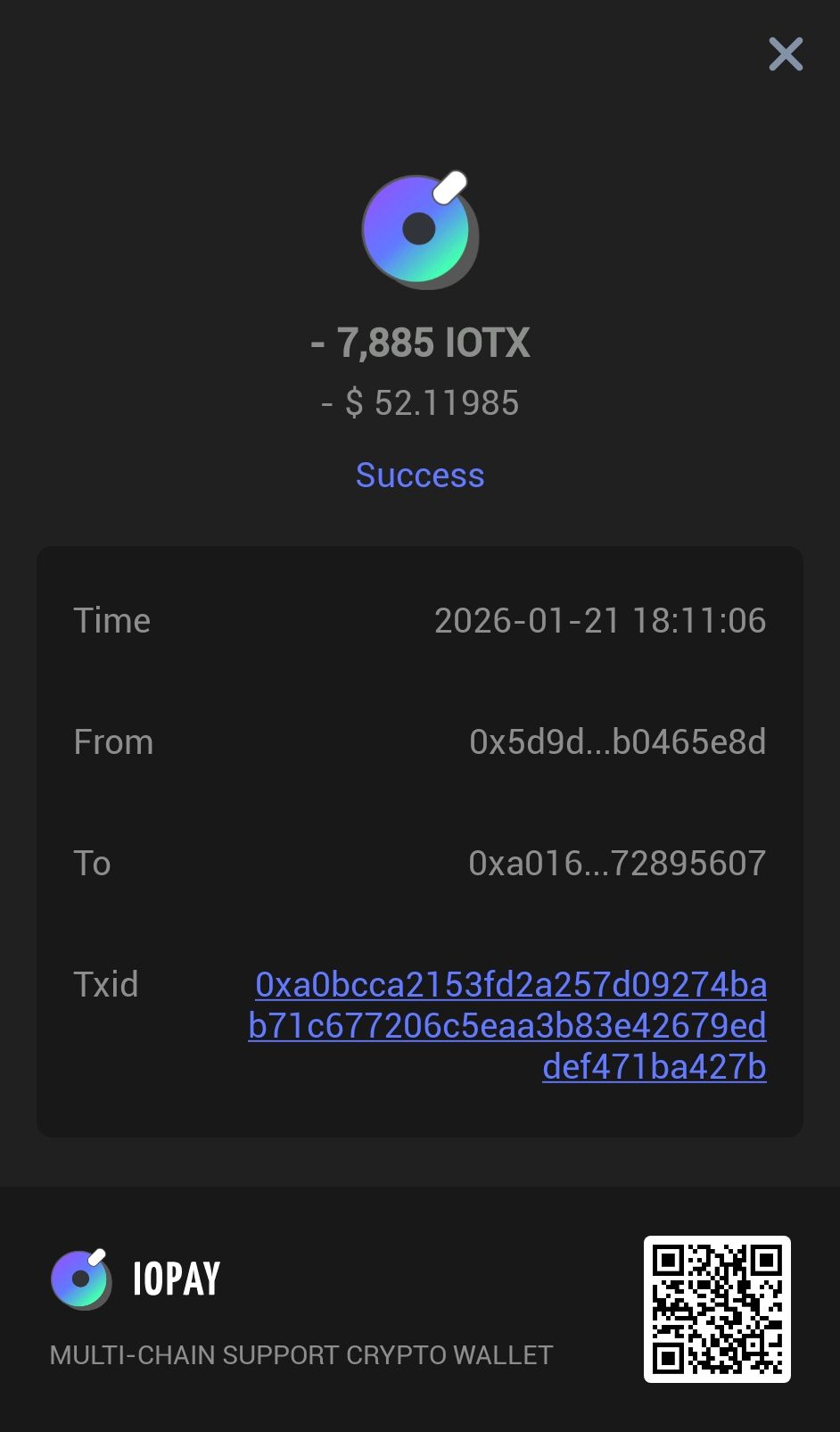
When a user shares a successful transaction (e.g., a transfer of 7,885 IOTX) to social media platforms like X (formerly Twitter), the app generates an image of the transaction receipt but fails to include a pre-filled marketing message or a link to the ioPay website.
Steps to Reproduce
Complete a successful transaction or open a past transaction from the Activities tab.
Click the Share icon at the bottom of the transaction success screen.
Select a social media app (e.g., Post for X).
Observe the draft post that is created.
Expected Result
The draft post should include the transaction image alongside a marketing message such as:
"Just completed a transaction on #ioPay, the leading multi-chain crypto wallet! 🚀 Download it here: https://iopay.me"
Actual Result
The draft post contains the image but no accompanying text, hashtags, or links, requiring the user to manually type everything.
Wallet Address: io1tkw393kejmxwnd454twc6020sxcyvh5dxqmren
Device & Environment:
-Operating system: Android 13
-Device model: Redmi Note 10 Pro
Log in to comment and vote
Comments1
cryptotestnet
Feb 1