App: ioPay
Platform: Android
Current Version: v5.2.0 (3970)
Issue Summary:
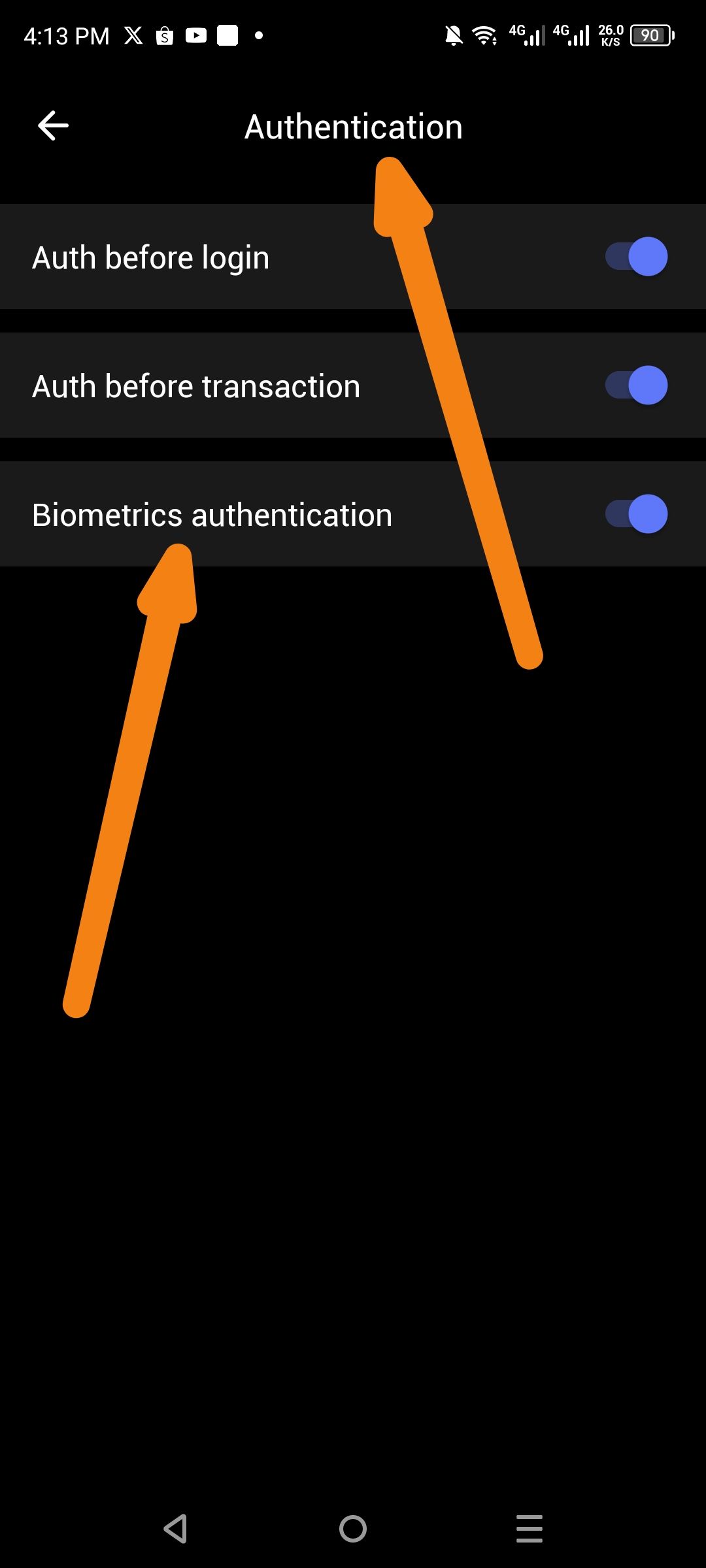
The Authentication settings only provide a generic "Biometrics authentication" toggle. There is no dedicated Optic ID (Iris/Face ID) option for devices that support advanced biometric scanning (e.g., Samsung devices with Iris scanning, or other Android devices with optic/iris capabilities).
Steps to Reproduce:
Open ioPay app
Go to Settings → Authentication
Observe available options:
Auth before login
Auth before transaction
Biometrics authentication
Expected Behavior:
A separate "Optic ID" or "Iris Authentication" option should be available for devices that support iris/optic scanning, allowing users to choose their preferred biometric method.
Actual Behavior:
Only a generic "Biometrics authentication" toggle exists, which may default to fingerprint on many devices and not utilize available Optic ID hardware.
Wallet Address: io1tkw393kejmxwnd454twc6020sxcyvh5dxqmren
Device & Environment:
-Operating system: Android 13
-Device model: Redmi Note 10 Pro
