Summary
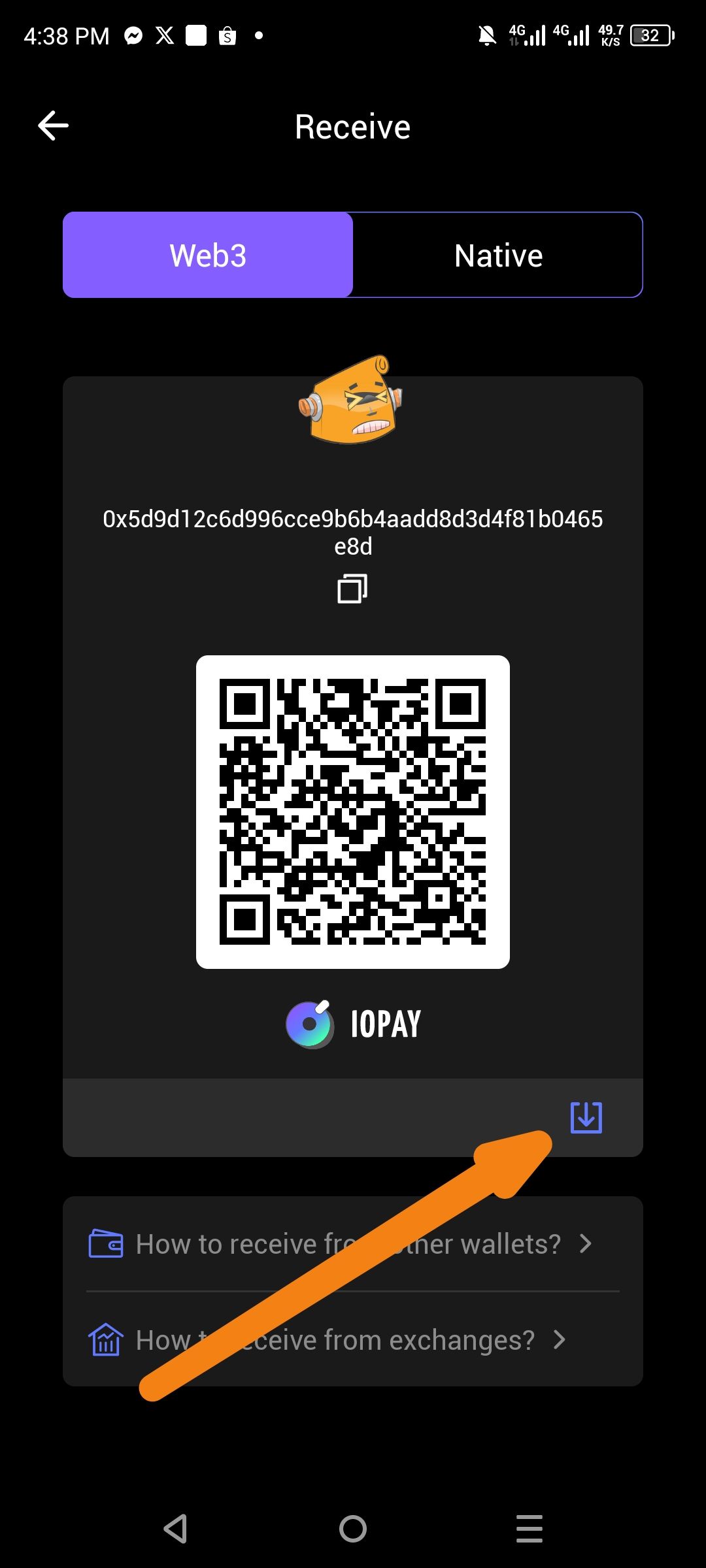
The ioPay "Receive" screen does not automatically increase the device's screen brightness when displaying a QR code. This makes it difficult for other devices to scan the address, especially in low-light environments or for users with low battery-saving brightness settings.
Description
When a user navigates to the "Receive" section to show their QR code for a transaction, the app maintains the current system brightness. Standard industry practice for finance and wallet apps is to temporarily force the screen to 100% brightness (or a high threshold) while on this specific screen to ensure maximum scannability. Without this feature, QR code scanners often fail to read the code quickly, leading to a poor user experience.
Steps to Reproduce
Set device brightness to a low level (e.g., 10-20%).
Open the ioPay application.
Navigate to Receive.
Observe that the screen brightness remains low, making the QR code dim and hard to scan.
Move away from the screen and observe that there is no toggle or automatic trigger to brighten the display.
Expected Behavior
Upon entering the "Receive" screen, the app should programmatically request maximum screen brightness.
When navigating away from the "Receive" screen, the brightness should automatically revert to the previous user setting.
(Optional) Provide a small "Brighten" toggle icon if automatic adjustment is not preferred by the user.
Actual Behavior
The screen remains at the system-defined brightness level.
The user is forced to manually pull down their notification shade and increase brightness to facilitate a successful scan.
Suggested Fix
Brightness API Integration: Use the Android/iOS Window Manager API to set the
screenBrightnessparameter to1.0(maximum) when theReceiveFragmentorReceiveActivityis in the foreground.Permissions: Ensure the app has the necessary manifest permissions to adjust display settings temporarily.
Wallet Address: io1tkw393kejmxwnd454twc6020sxcyvh5dxqmren
Device & Environment:
-Operating system: Android 13
-Device model: Redmi Note 10 Pro
