Wallet Address:
io1tkw393kejmxwnd454twc6020sxcyvh5dxqmrenApp Version: ioPay v5.2.0 (1)
Device: iPhone XR
OS: iOS 18.7.3
Issue: Visual Indistinguishability Between Mainnet and Testnet
Description: The application currently uses identical branding and iconography for both the Mainnet and Testnetenvironments.
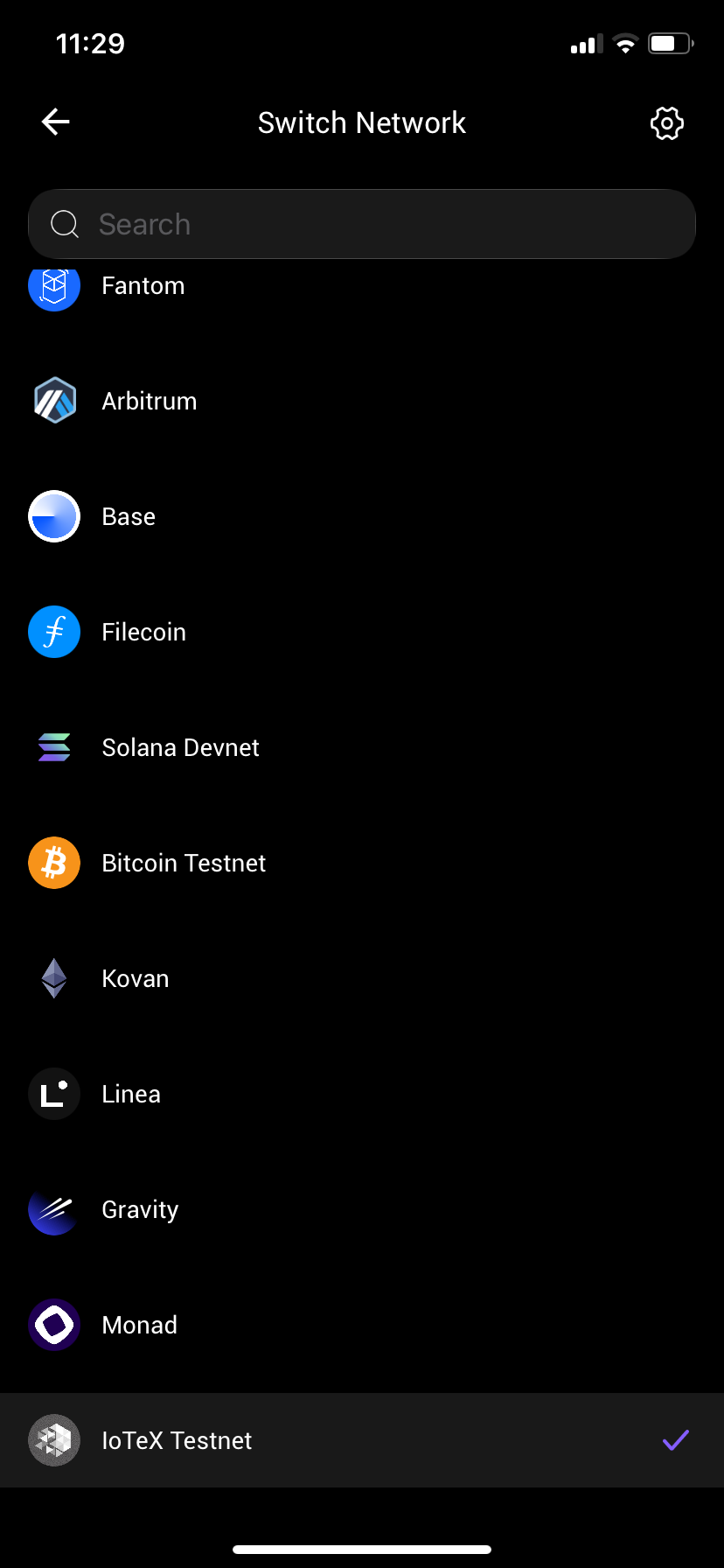
Observation: As seen in the attached screenshot (
IMG_0052.png), there is no distinct visual indicator—such as a color-coded logo, a "Testnet" watermark, or a UI theme differentiation—to help users distinguish which network they are currently connected to.Impact: This poses a significant user safety risk. Users may inadvertently perform transactions, test DApps, or interact with smart contracts on the Testnet believing they are on the Mainnet (or vice versa), leading to confusion or, in cases where users might mistake test tokens for real assets, potential loss of focus and incorrect expectations.
Steps to Reproduce:
Launch ioPay v5.2.0 (1).
Navigate to network settings and switch between Mainnet and Testnet.
Observe the app's UI/Logo on the home screen or wallet dashboard.
Result: The UI appearance, branding, and logos remain identical, providing no visual cues to the current network context.
Expected Result:
The application should implement clear visual cues to distinguish the networks. Examples include:
Color-coded Branding: Using a distinct accent color (e.g., blue for Mainnet, orange or gray for Testnet) in the logo or header.
UI Watermark: A persistent, non-intrusive "Testnet" label or badge overlaid on the dashboard when in Testnet mode.
