[ECO Bounty] iopay UI/UX - Missing Audio Feedback for Address Copy
Wallet Address Reporter: io1tkw393kejmxwnd454twc6020sxcyvh5dxqmren
App Version: ioPay v5.4.0 (3974)
Device: Redmi Note 10 Pro (Android 13)
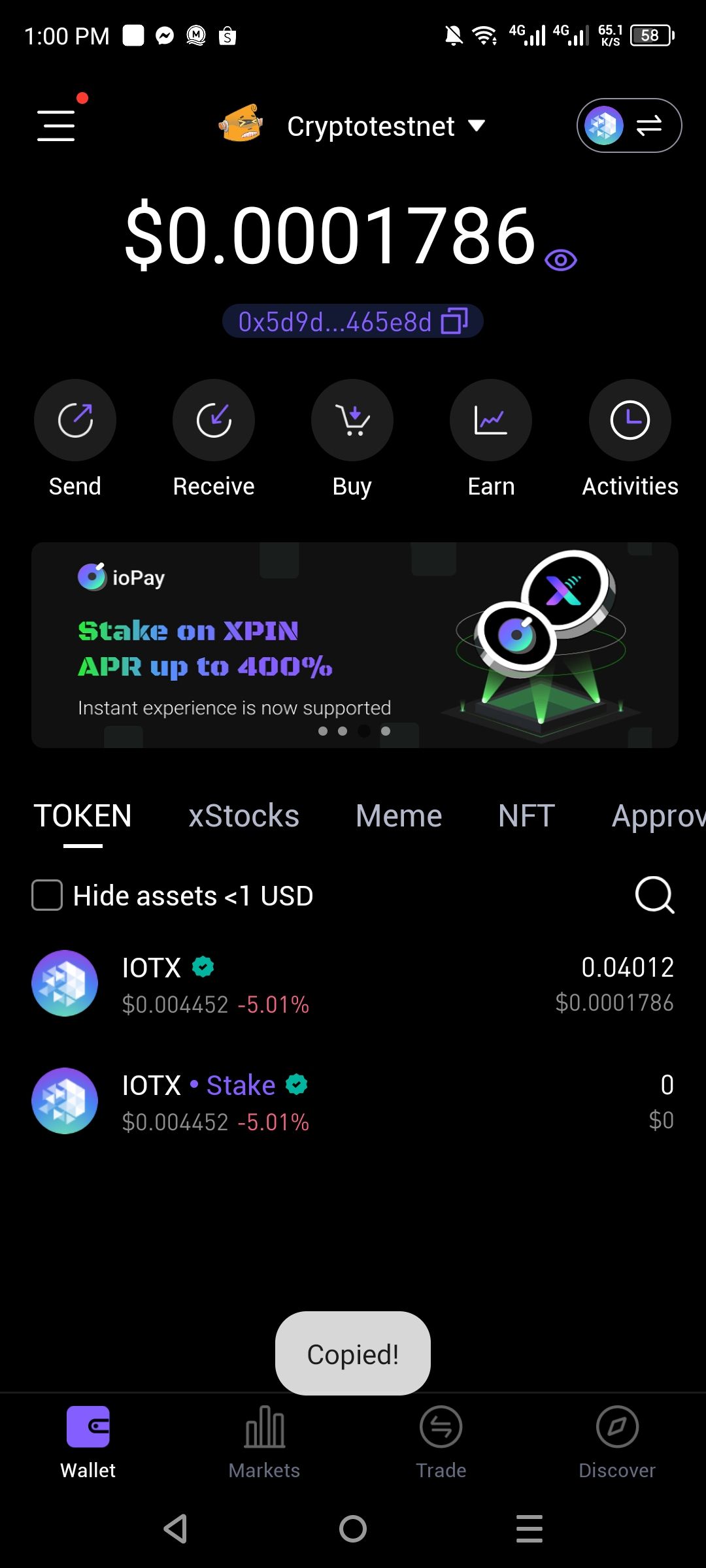
Summary: The ioPay mobile application fails to trigger a sound effect confirmation when a user copies their wallet address to the clipboard, reducing the multi-sensory feedback for a successful action.
Issue Description
Current Behavior: When tapping the "Copy" icon (the double-square icon next to the wallet address 0x5d9d...65e8d), the "Copied!" toast notification appears at the bottom of the screen, but it is not accompanied by any audio/sound effect.
Expected Behavior: Successful copy actions should ideally trigger a subtle, short audio cue (haptic or sound) to provide immediate confirmation to the user, especially when their eyes might be focused on another part of the screen.
Steps to Reproduce
Open the ioPay app and navigate to the Wallet tab.
Tap on the Copy icon next to the wallet address string below the total balance.
Observe the visual "Copied!" notification.
Confirm that no sound effect is played during this interaction.
Impact
Accessibility: Users with visual impairments rely on audio cues to confirm that a background action (like copying to clipboard) was successful.
User Experience: Audio feedback adds a layer of "polish" to the app and provides extra assurance that the critical wallet address has been captured correctly.
Proposed Solution
Add a toggle in Settings > Notifications/Security to enable/disable sound effects for UI interactions.
Implement a lightweight sound bite for successful clipboard actions, consistent with other Web3 wallet industry standards.
Log in to comment and vote
No comments yet
Be the first to share your thoughts.