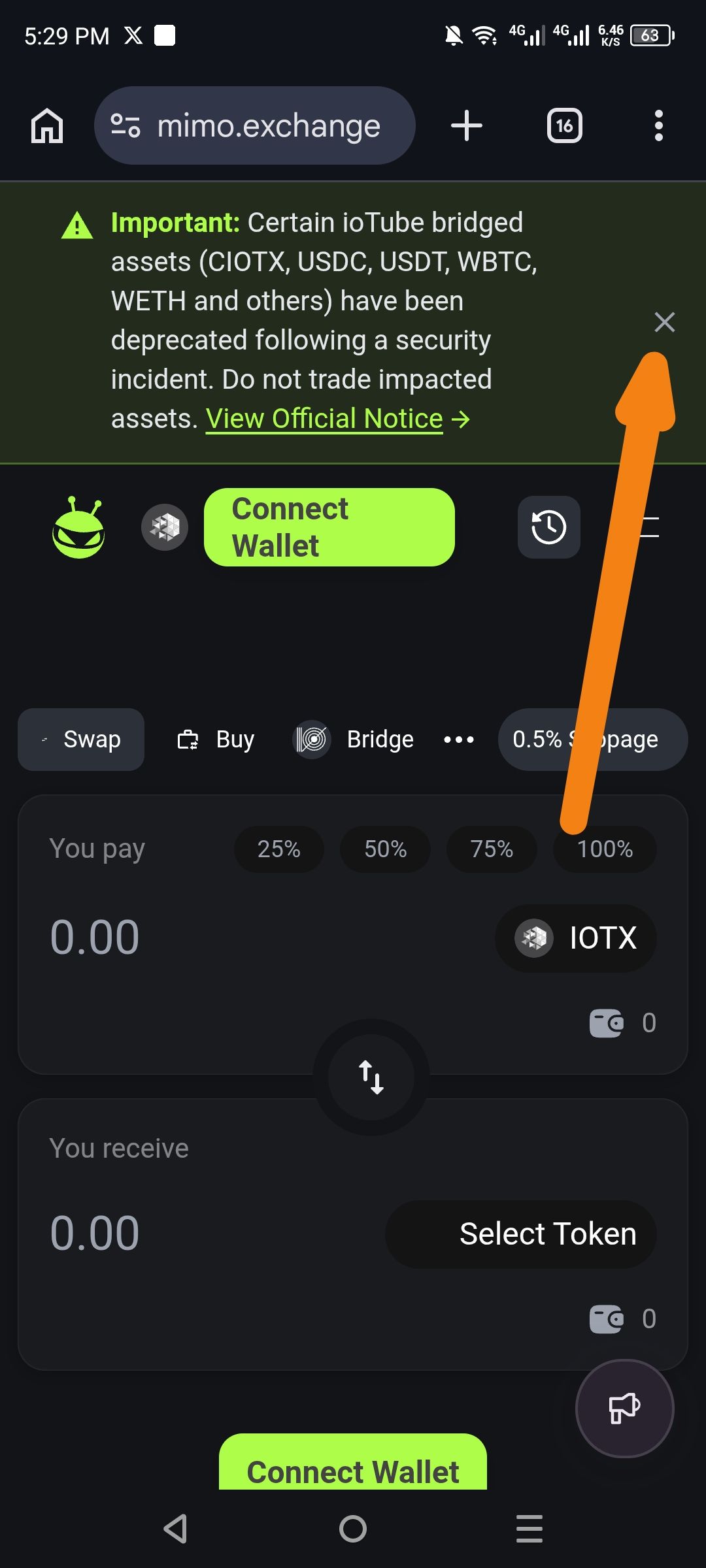
Description
When selecting delisted assets like USDC, USDT, WETH, or WBTC for bridging:
Warning modal displays: "Assets IOTX, USDC, USDT, WETH and WBTC have been delisted. Delisted assets have no security guarantee..."
Options available: X (Close) or View Official Notice
No "Do Not Show Again" option to suppress future warnings for informed users
Orange arrows in the screenshot highlight the Connect Wallet button and X close button, emphasizing repetitive dismissal frustration.
Steps to Reproduce
Open mimo.exchange in mobile browser
Navigate to Bridge section
Select a delisted asset (e.g., USDC, USDT, WETH, WBTC) for "You Pay" or "You Receive"
Attempt to proceed → Warning modal appears
Dismiss with X
Repeat steps 3-4 → Warning reappears every time
Expected Behavior
Warning modal includes "☑️ Do Not Show Again" checkbox/toggle
If checked and dismissed, warning is suppressed for future sessions (via localStorage or account preference)
UX allows power users to bypass repetitive warnings after acknowledgment
Actual Behavior
Warning reappears on every asset selection/bridge attempt
Users forced to tap X repeatedly with no suppression option
No persistence of user acknowledgment
Suggested Fix
Add "☑️ Do Not Show Again" checkbox at bottom of modal
On dismiss with checkbox → set localStorage:
localStorage.setItem('delistedAssetsWarningDismissed', 'true')Before modal trigger → check storage: if true, skip modal
Optional: Per-asset toggles or account-based persistence
Wallet Address:
io1tkw393kejmxwnd454twc6020sxcyvh5dxqmren
Device & Environment:
-Operating system: Android 13
-Device model: Redmi Note 10 Pro
